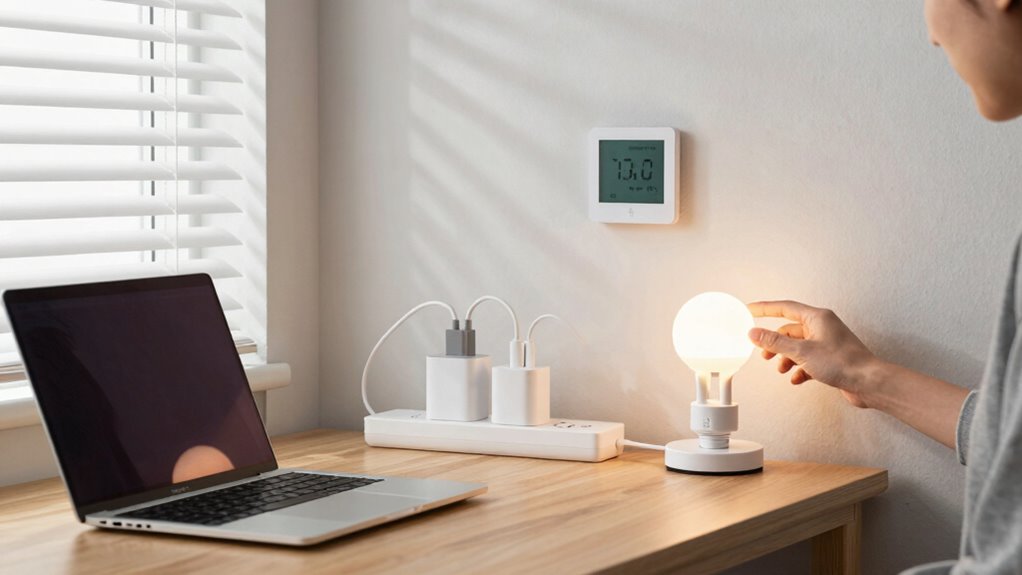

You can easily cut energy waste by using smart power strips that turn off devices when not in use and prevent phantom loads. Enable energy-saving settings on your electronics, like computers and TVs, to enter sleep mode automatically. Always unplug chargers and devices when you’re done with them, especially if you’ll be away for a while. Developing simple habits like powering down electronics and adjusting settings can save money and help the environment. Keep exploring to discover more simple tips to make your home more energy efficient.

Prime made for students and young adults
- Fast, free delivery for dorm and study essentials
- Prime Video and Amazon Music included
- Member-only deals
Key Takeaways
- Use smart power strips to automatically cut power to inactive devices and prevent standby energy drain.
- Enable energy-saving modes and sleep settings on electronics like computers and TVs.
- Unplug chargers and devices when not in use to eliminate phantom loads.
- Place devices in accessible locations to encourage timely powering down and unplugging.
- Combine habits like smart strip use, setting adjustments, and powering down for maximum savings.
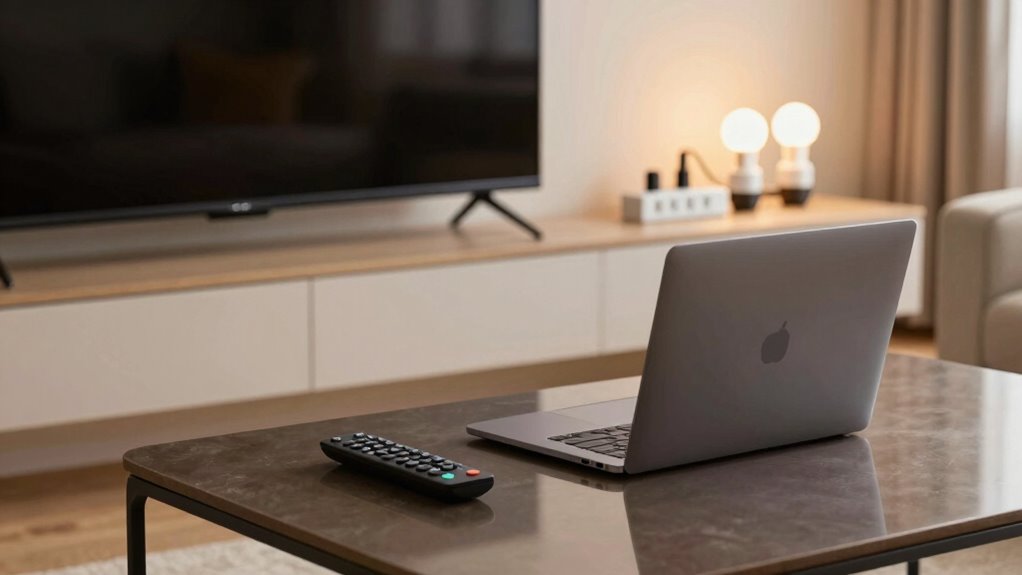
Reducing energy waste from your devices doesn’t have to be complicated or costly. One simple way to cut down on unnecessary power consumption is by using smart power strips. These devices automatically detect when a device is in standby mode and cut power off, preventing energy from being wasted on devices that are plugged in but not actively in use. Instead of manually unplugging your electronics or leaving them on standby, smart power strips give you an easy, automated solution. They often come with individual switches for each outlet, so you can turn off specific devices without unplugging everything. This not only conserves energy but also prolongs the lifespan of your electronics, saving you money over time.
Another effective approach is adjusting the energy efficient settings on your devices. Many modern electronics, like computers, TVs, and gaming consoles, have built-in power management features. You can enable these settings to reduce energy use when the device isn’t actively performing a task. For example, setting your computer to enter sleep mode after a period of inactivity ensures it consumes less power without sacrificing convenience. Similarly, configuring your smart TV to turn off automatically after a certain period helps eliminate energy waste. These small adjustments may seem minor, but collectively, they make a noteworthy impact on your overall energy consumption. Additionally, understanding phantom load and how it affects your energy bills can motivate you to take proactive steps. Being aware of standby power consumption can help you better target areas where energy savings are most significant. Learning about energy-efficient devices can also guide you in choosing appliances that naturally consume less power. Recognizing the importance of energy conservation can inspire more mindful usage habits and further reduce waste. Incorporating energy-saving habits, such as unplugging devices when not in use, can significantly amplify your efforts.
You should also consider the placement of your devices. Keep chargers and electronics away from areas where they’re not easily seen or accessed, so you’re less likely to forget about them plugged in. Remember, even chargers plugged into the wall draw power whether or not they’re charging a device, a phenomenon known as standby power or phantom load. Using smart power strips can help with this because they cut power entirely when devices aren’t in use, preventing phantom loads from draining energy.
Furthermore, make it a habit to turn off devices when you’re finished using them. For instance, powering down your computer, monitor, and peripherals at the end of the day prevents unnecessary energy drain. If you’re away for extended periods, unplug devices or set them to energy-saving modes. By combining these small but consistent actions—like using smart power strips, enabling energy efficient settings, and powering down—you can considerably reduce your energy waste. Not only will you lower your utility bills, but you’ll also contribute to a healthier environment by decreasing your overall carbon footprint. Making these adjustments is simple, affordable, and effective, giving you control over your energy consumption without sacrificing convenience.
smart power strip with individual switches
As an affiliate, we earn on qualifying purchases.
As an affiliate, we earn on qualifying purchases.
Frequently Asked Questions
How Can I Identify Energy-Wasting Devices at Home?
You can identify energy-wasting devices at home by checking for appliances with short lifespans or those that consume standby power even when turned off. Use a power meter to measure their energy use, especially for devices like chargers, TVs, or computers. If a device remains plugged in and still uses power, it’s wasting energy. Unplug or switch off devices when not in use to save energy and extend their lifespan.
Are Smart Power Strips More Effective Than Regular Ones?
Smart power strips are more effective than regular ones because they offer numerous benefits. Their smart strip benefits include automatically cutting power to devices when they’re not in use, preventing energy waste. When comparing power strips, smart strips often have better energy-saving features and remote control options. Overall, a power strip comparison shows smart strips help you save energy more efficiently, reduce costs, and simplify managing multiple devices.
Do Energy-Saving Devices Cost More Upfront?
Energy-saving devices usually cost more upfront, but they’re an investment that pays off over time. Think of it as planting a seed for your device’s lifespan—longer-lasting devices save you money on replacements. Plus, with rising energy tariffs, reducing energy waste becomes even more valuable. While the initial price might seem steep, the reduced energy bills and extended device lifespan make them a smart, cost-effective choice in the long run.
How Often Should I Perform Energy Audits?
You should perform energy audits at least once every one to two years to effectively identify waste and improve efficiency. During audits, consider renewable sources and energy storage options to maximize savings. Regular checks help you spot outdated devices or inefficient energy use, allowing you to update systems accordingly. Staying proactive guarantees your home or business remains energy-efficient, reduces waste, and takes advantage of renewable sources and energy storage technologies.
Can Device Settings Impact Energy Consumption Significantly?
Did you know that improper device settings can increase energy use by up to 30%? Your device configurations play a vital role in energy efficiency. By adjusting settings like screen brightness, sleep mode, and power management, you can markedly cut down waste. Small tweaks make a big difference, helping you save money and protect the environment. So, regularly reviewing your device settings can lead to substantial energy savings.
As an affiliate, we earn on qualifying purchases.
Conclusion
By taking simple steps, you can turn your home into a sanctuary of efficiency. Imagine your devices softly humming in harmony, conserving energy like a gentle stream that never runs dry. Every unplugged charger, every dimmed screen, helps you cut waste and save money. Picture a future where your efforts glow quietly in the background, creating a brighter, greener world—one small change at a time. Your actions today light the way toward a sustainable tomorrow.
automatic device shutoff power strip
As an affiliate, we earn on qualifying purchases.
As an affiliate, we earn on qualifying purchases.
Fall Picks
fall essentials
As an affiliate, we earn on qualifying purchases.